The Deck

THE
DECKA cozy pixel-art office
for the T1A team

  • Create and personalize your own character
  • Talk one-on-one, gossip in shared spaces or work on projects together
  • Integration with T1A tools: Calendar, Meet, Slack, Jira*, SecondStack*
  • On the web, in the Mac menu bar or on your phone
RELEASE · MONDAY, OCT 26What you can try today is the public demo. The release brings even more pixel art, toys, a 7/11 store and a few surprises.
GitHub
Team The Suitors · Andrii Butko, Ivan Baranov, Varya Tikhonova
T1A Hackathon · Oct 15–16, 2026
* will be released soon
Preview
The Deck
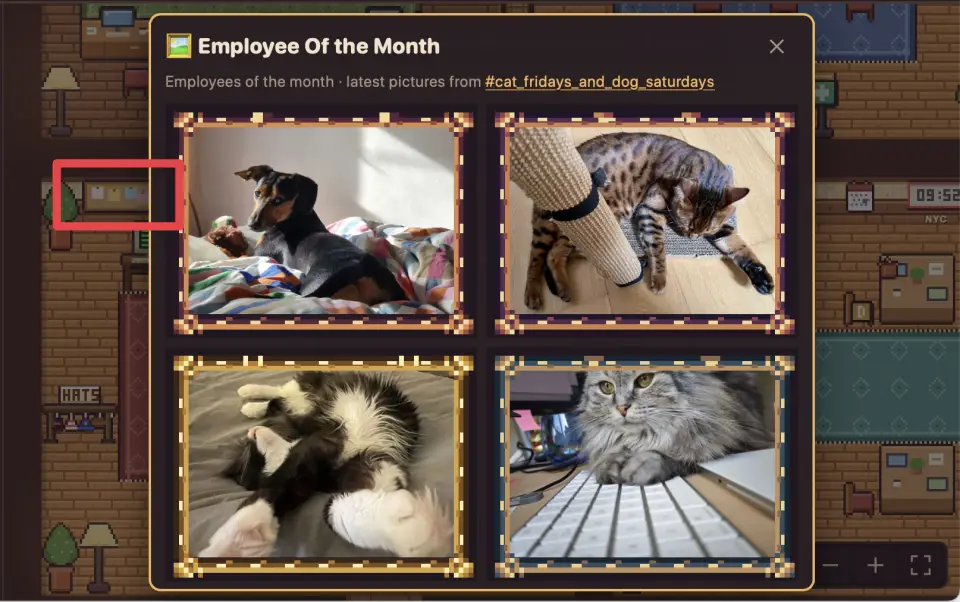
Employee of the month
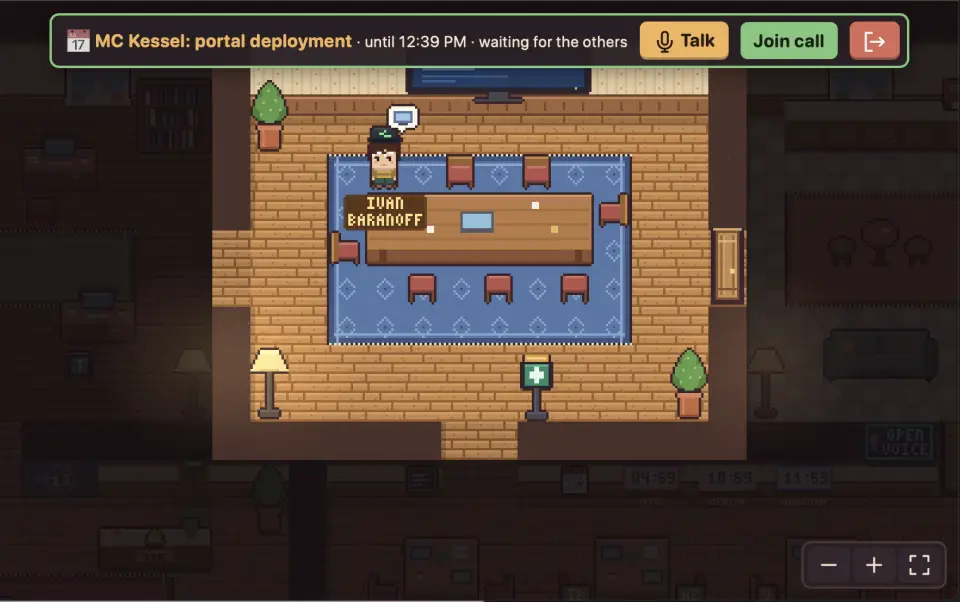
Calendar meeting room
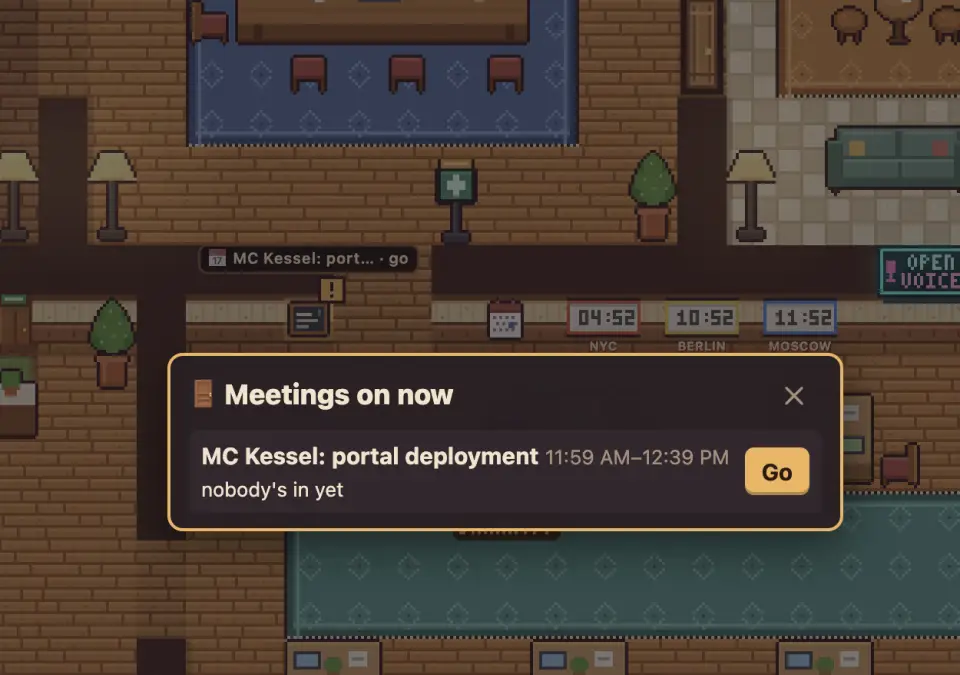
Calendar reminders
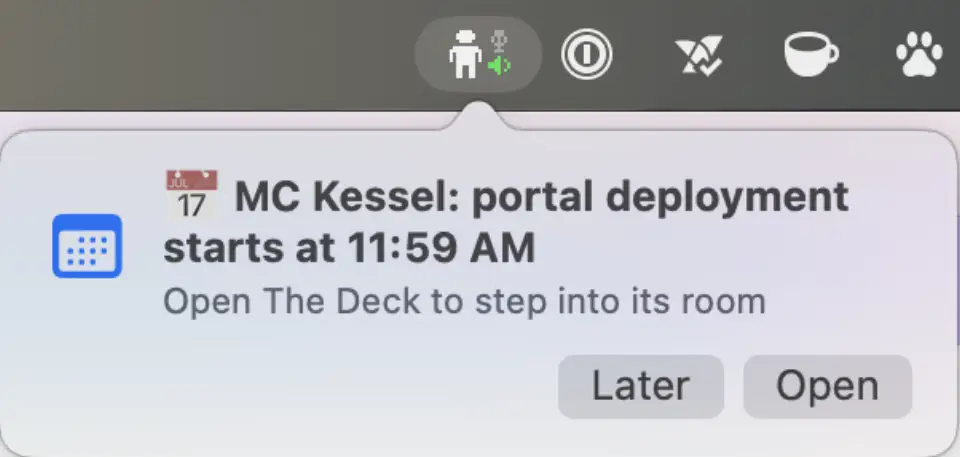
Calendar reminders
Meeting reminder
Meeting reminder
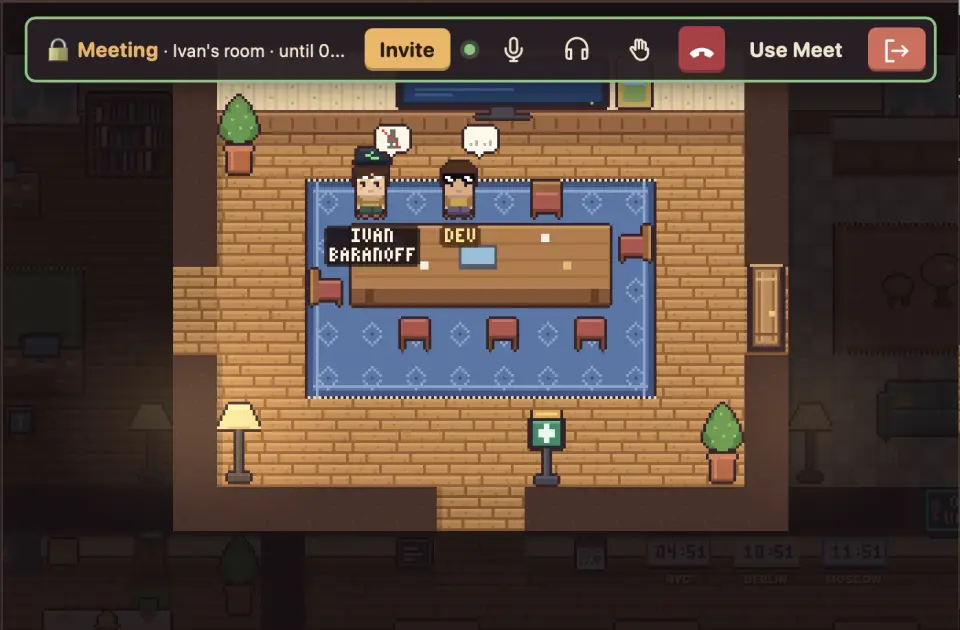
Private meeting rooms
IVAN BARANOFFANDRII BUTKOVARYA
THE DECK · T1A
REMOTE WORK CHALLENGES

  • Remote work is all meetings: every interaction is scheduled and about work
  • No easy way to see who's free to chat
  • People from other teams stay names in a directory

The Deck gives back the office

  • Walk over and talk, no calendar invite
  • See who's around and what they're up to
  • Bump into people you don't work with
  • Be "physically" in the same room during meetings
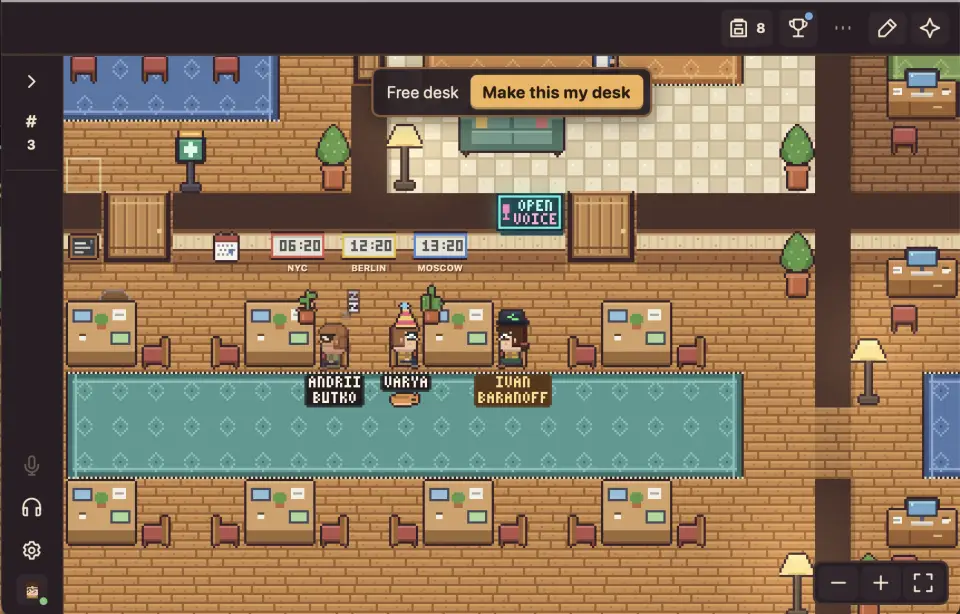
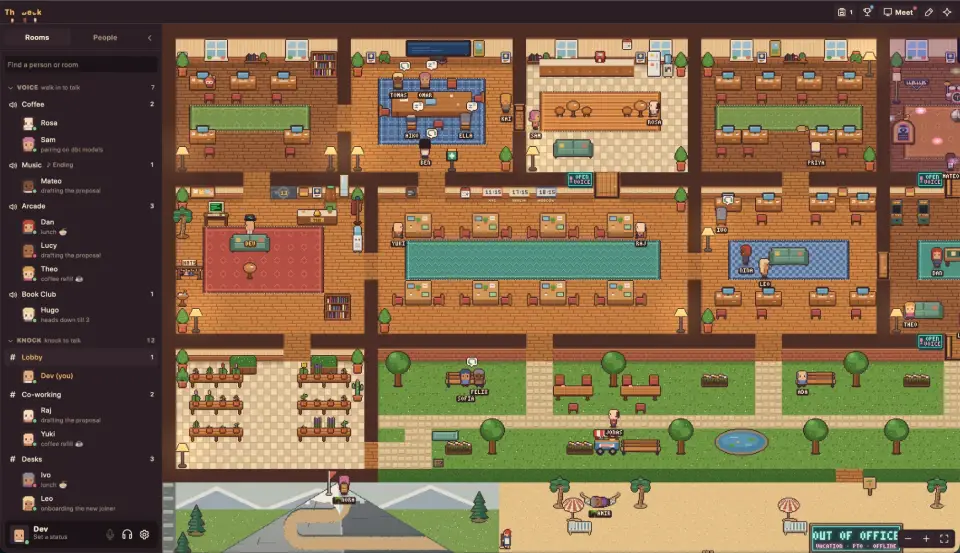
The office
The office

CHARACTERS AND CALLS

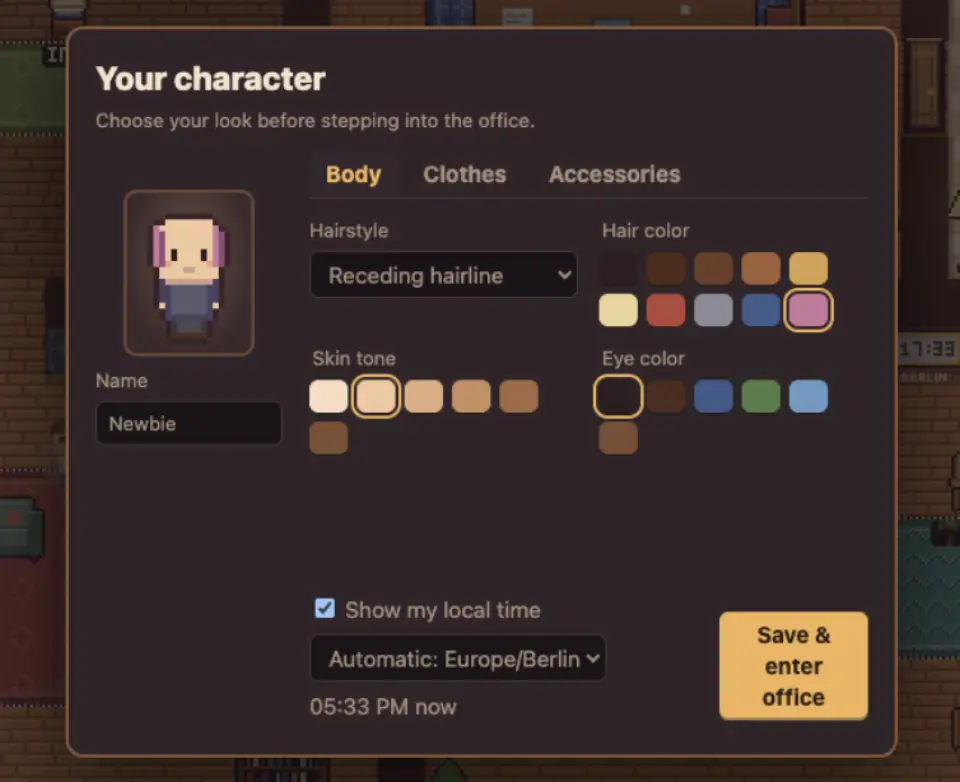
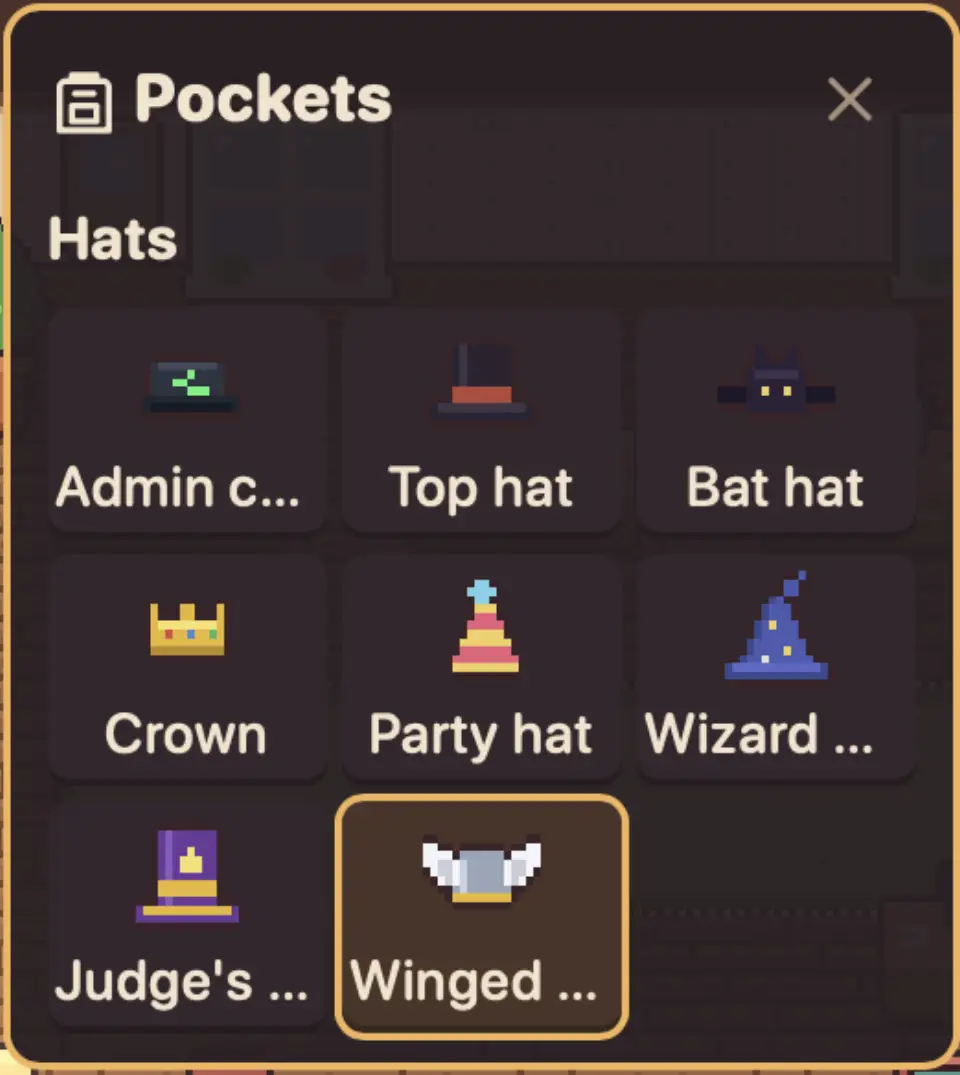
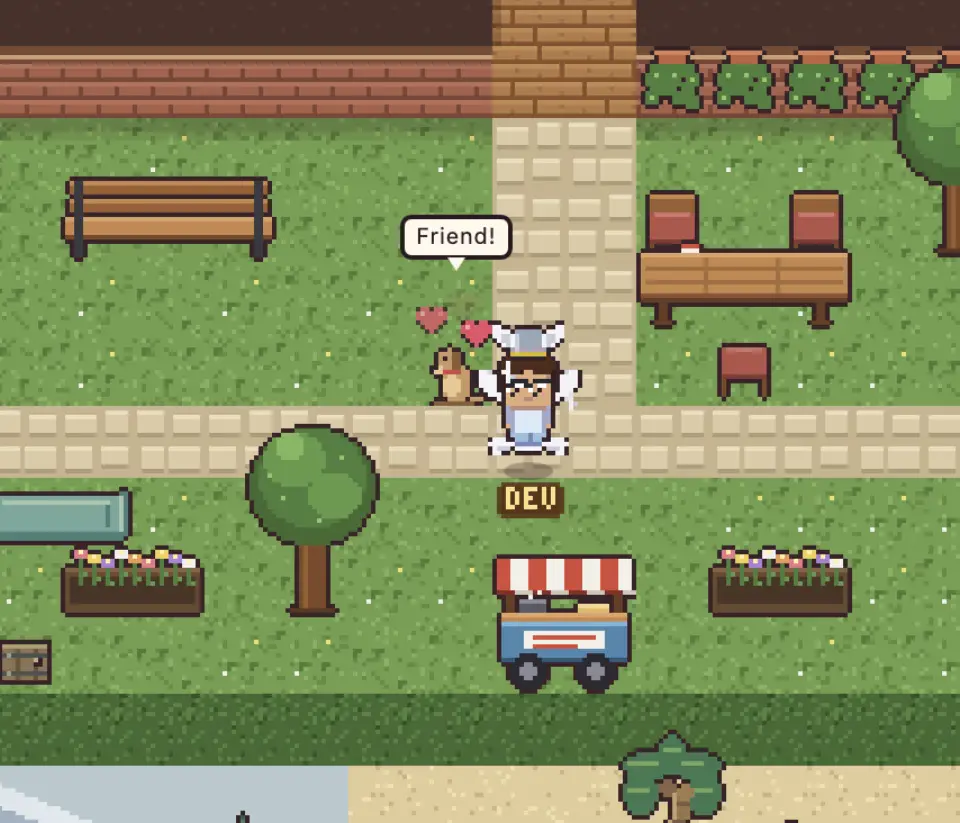
  • Design your character: pick a look, collect hats
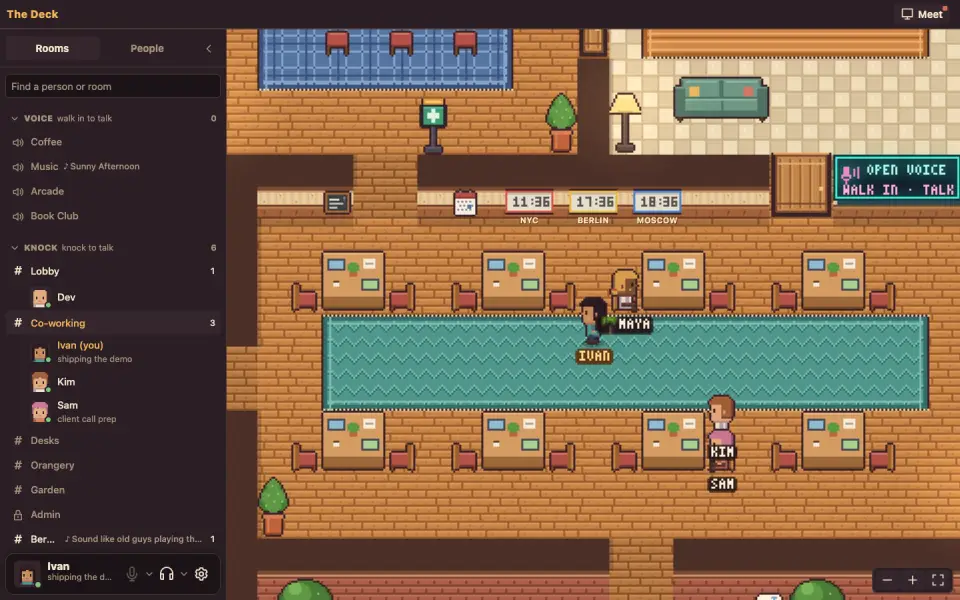
  • See who's in, who's busy and who's free, on the floor and in the sidebar
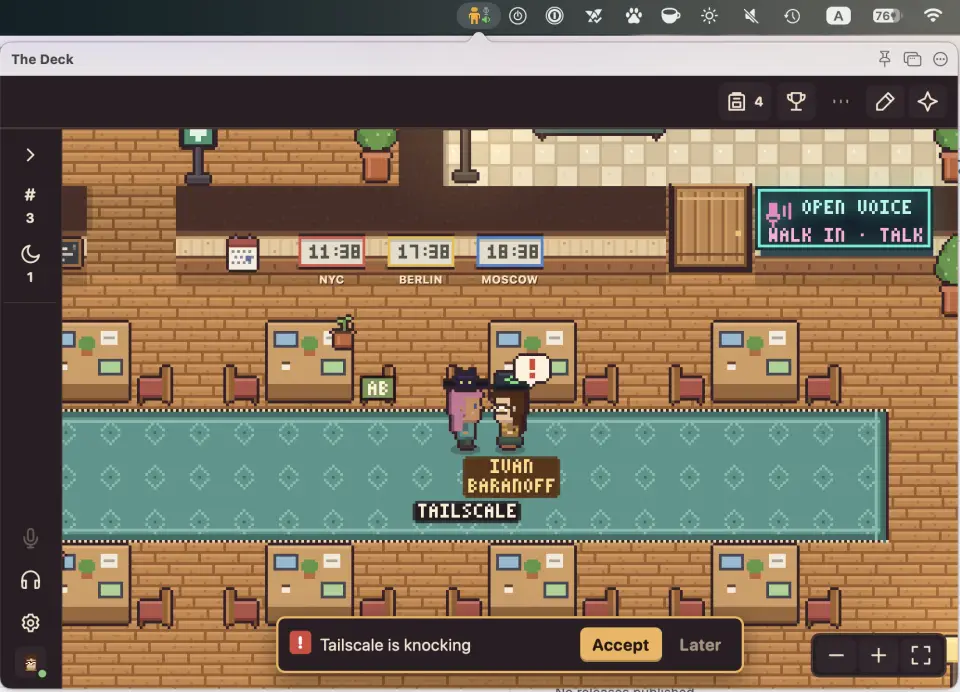
  • Click a person and knock. Accept starts a call; Later keeps the knock for when they're done
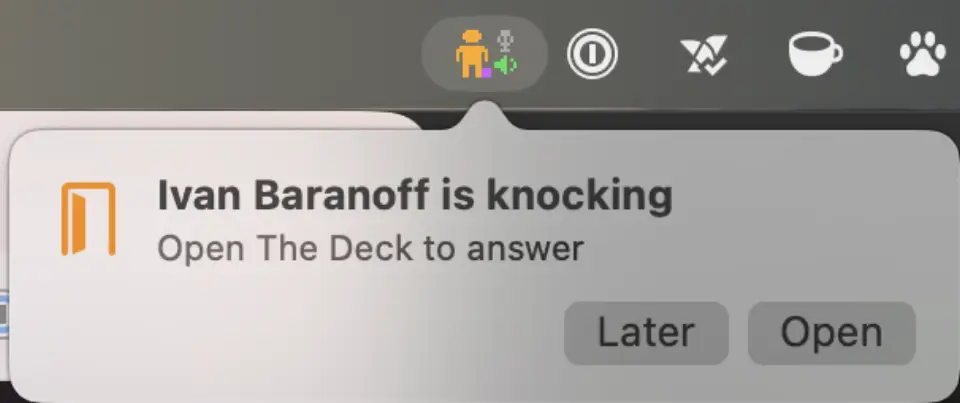
  • Knocks can reach you anywhere: a pop-up on the Mac, even when The Deck is tucked away (configurable in settings, can be disabled)
!
DEV
Character design
Character design
Hats
Hats
Discord sidebar
Who's around
Pop up
Knock on the Mac

ROOMS, MEETINGS, VACATIONS

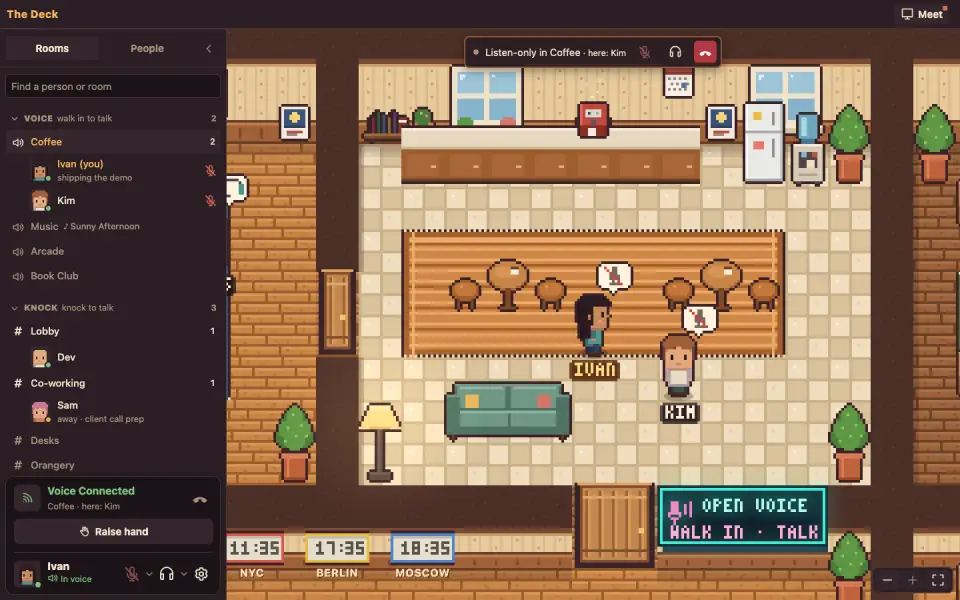
  • Open voice rooms: walk into Coffee or Music and you're in the conversation (muted by default)
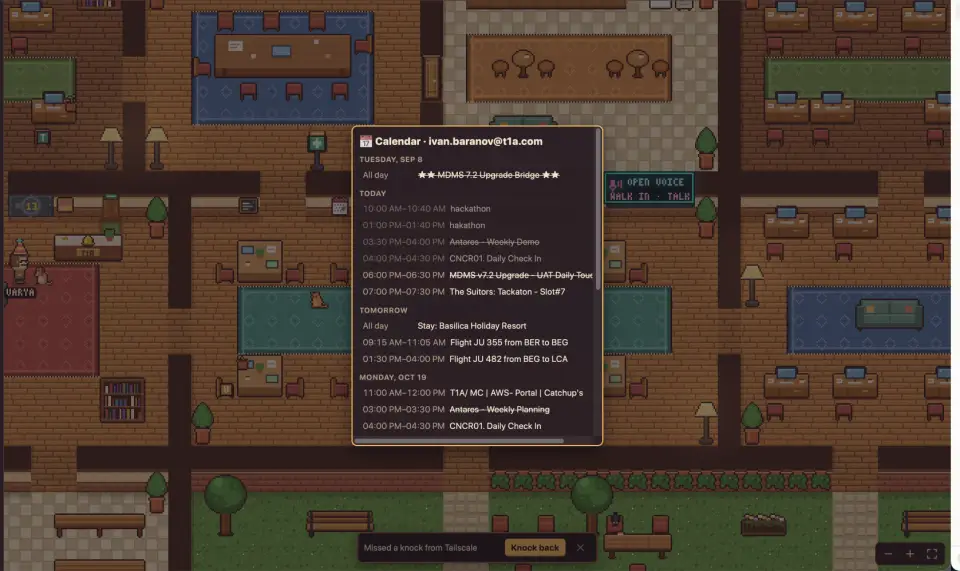
  • Google Calendar: the wall calendar shows your week
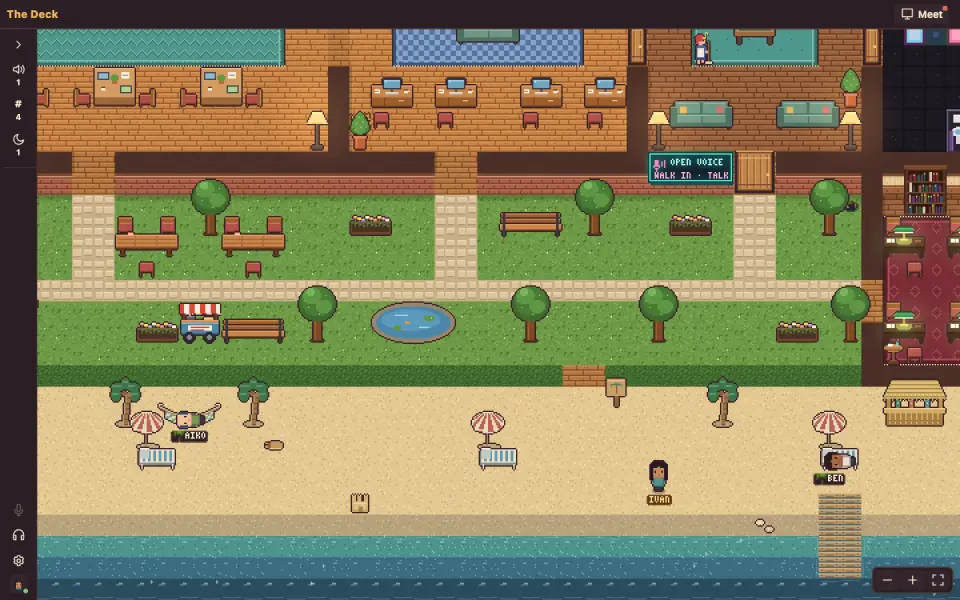
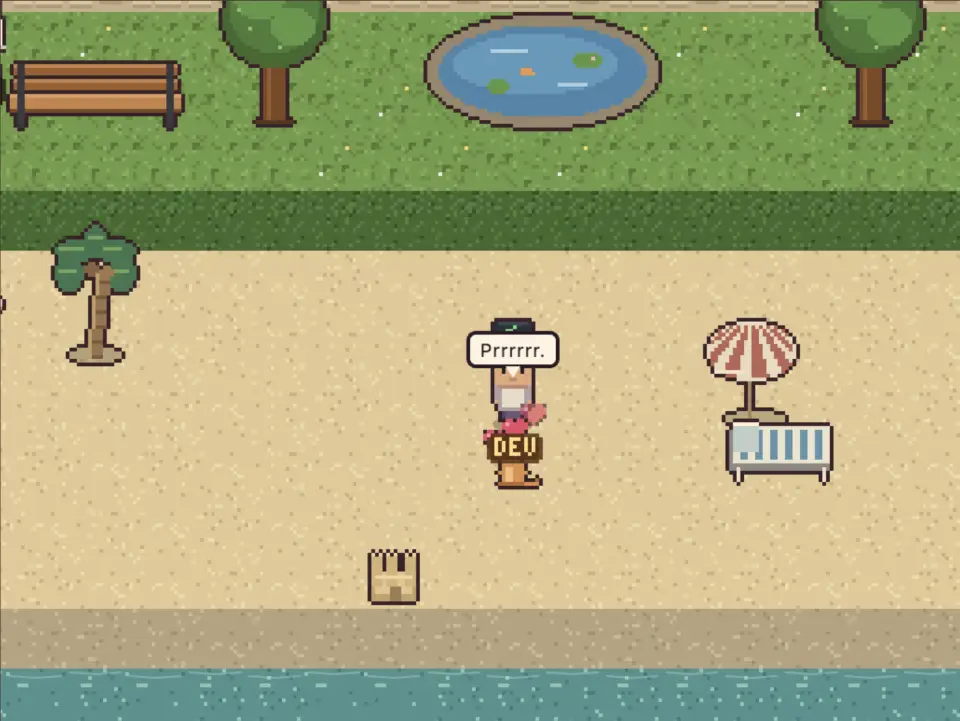
  • The PTO calendar puts people on the beach, with a return date
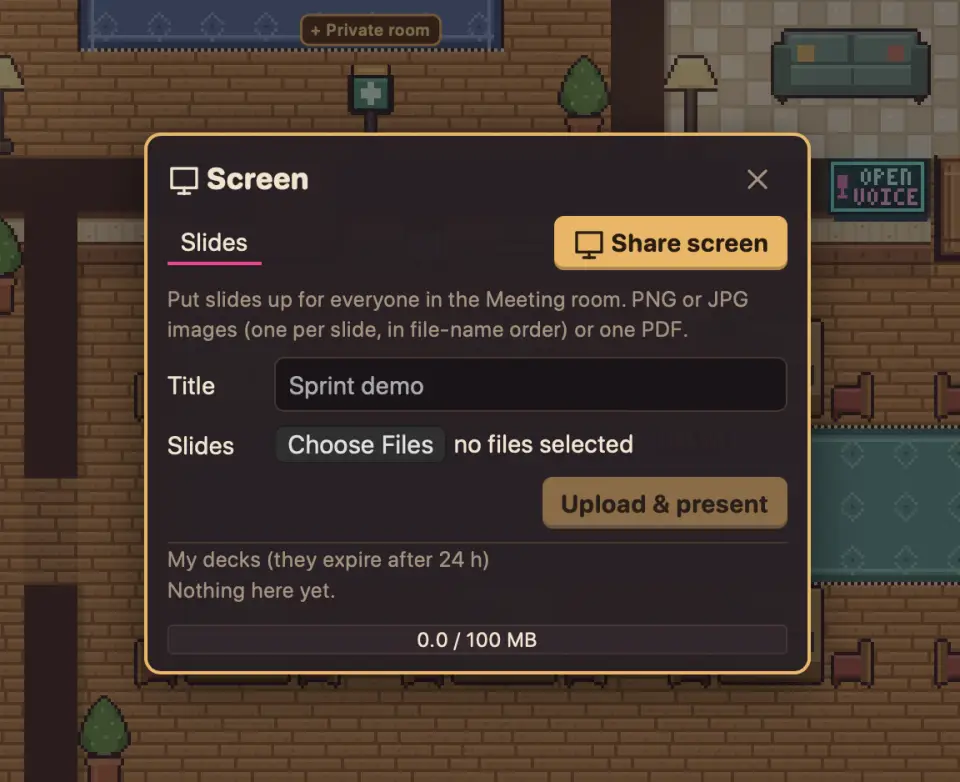
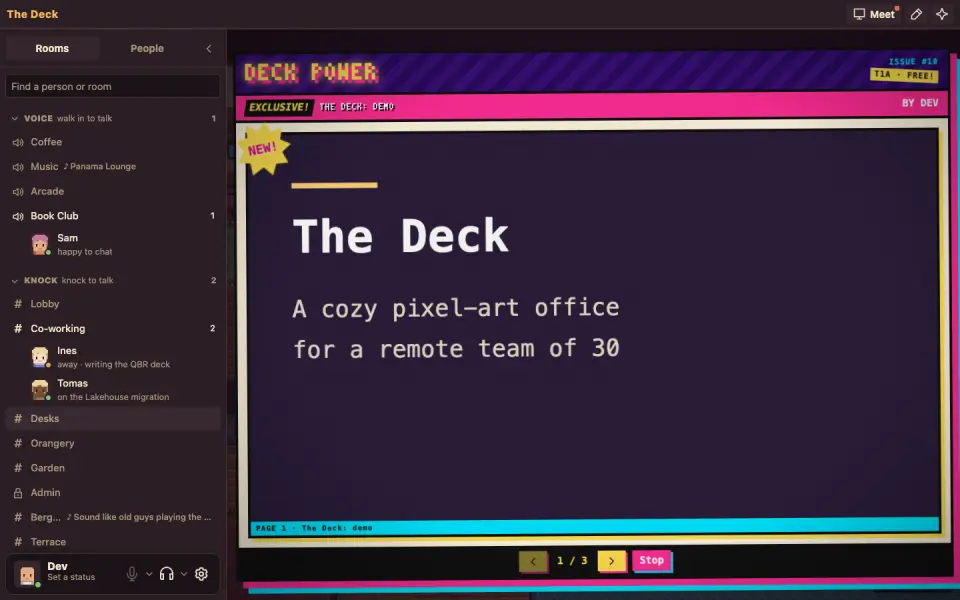
  • Share your screen and present slides in the Meeting room on the floor or in a private meeting room
Open voice
Open voice
Calendar
Calendar
The beach
The beach
Present
Present
Present 2
Presenting

LIFE IN THE OFFICE

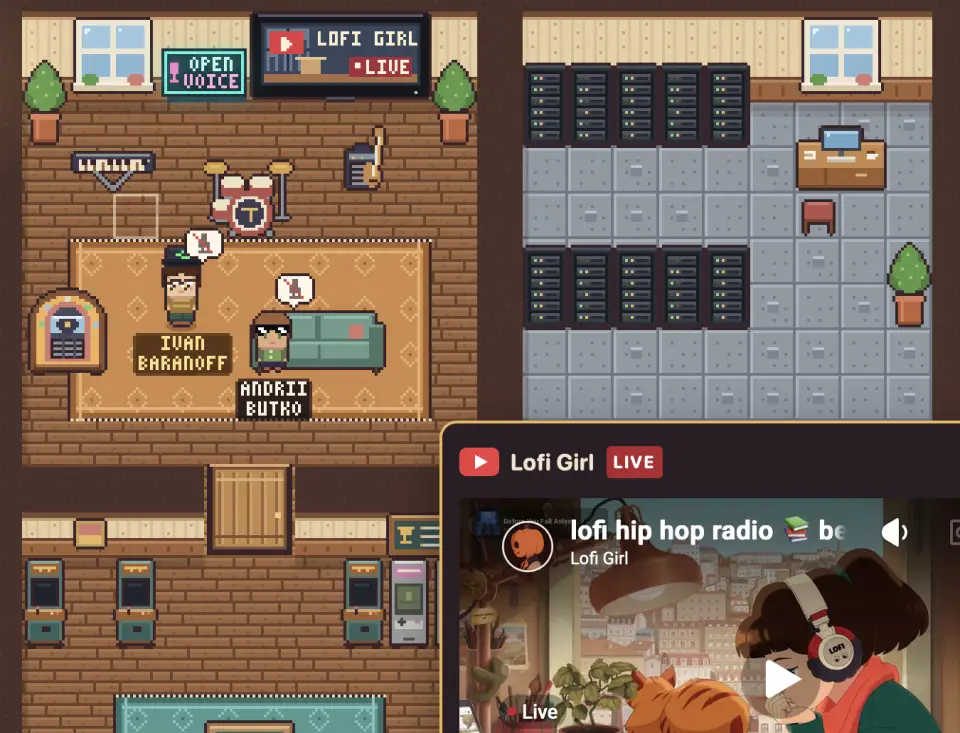
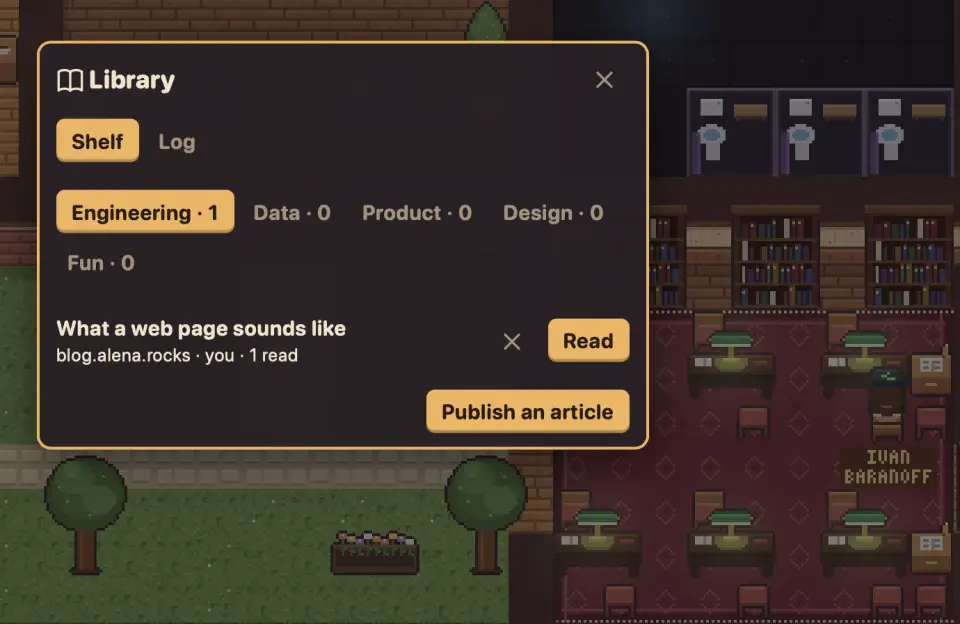
  • A shared jukebox, a Lofi music stream, a Library where you can post and read articles, a Book Club(!)
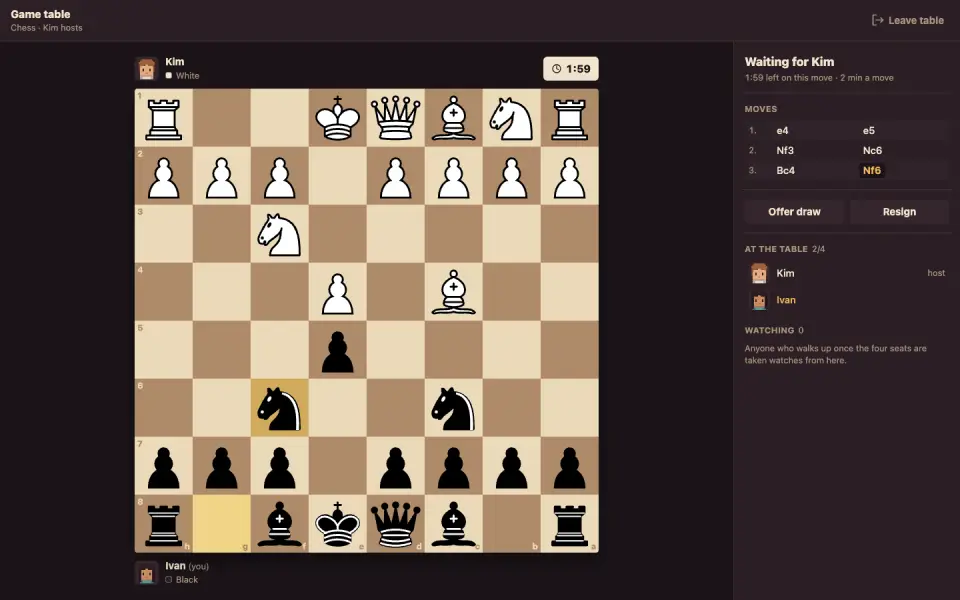
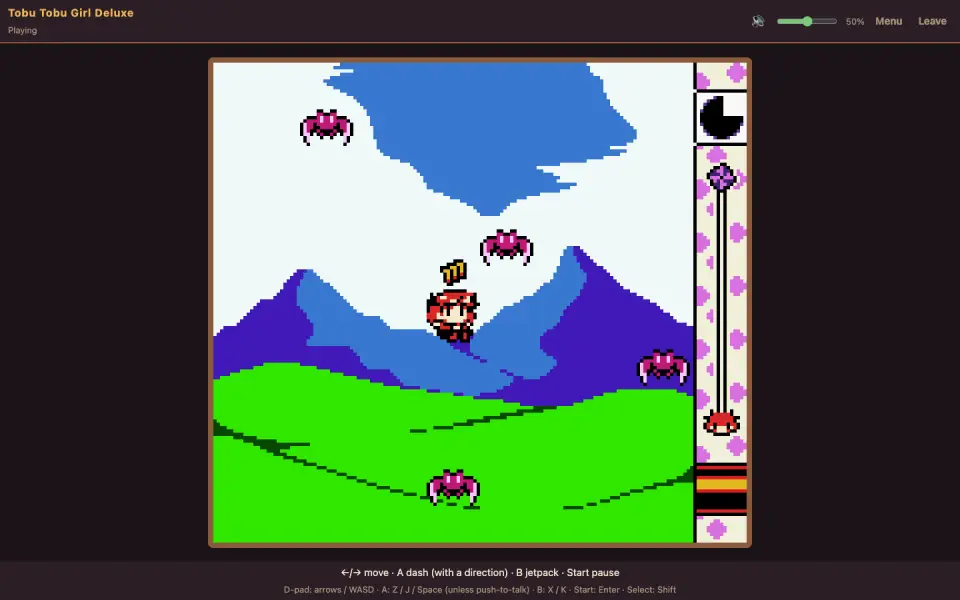
  • An arcade with co-op and party games, Game Boy cabinets, chess and dominoes, trophies
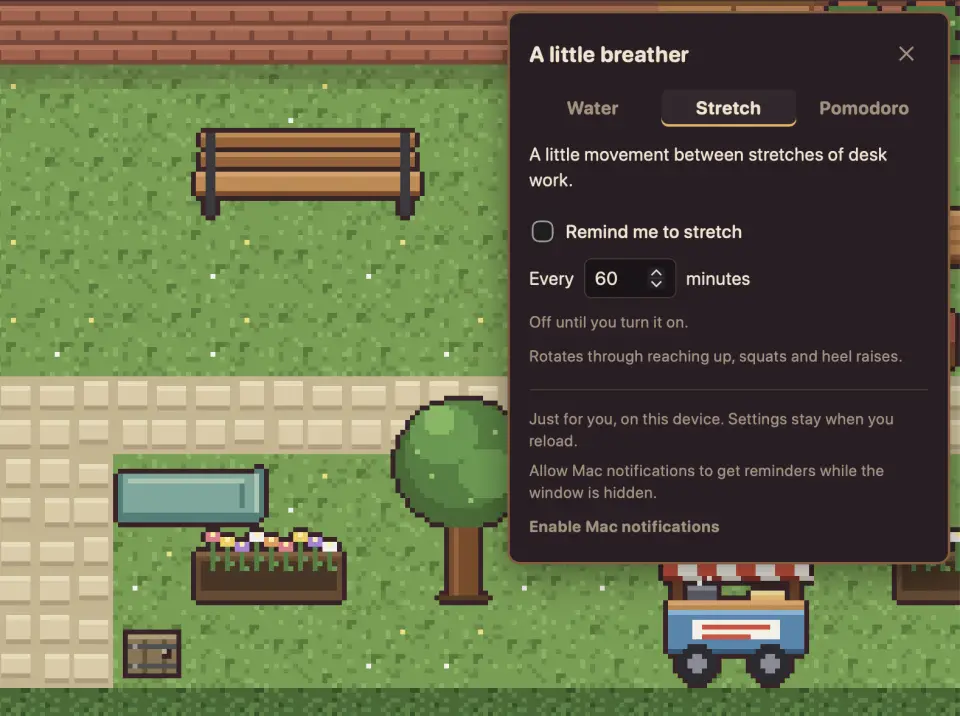
  • A cat, a dog, a bar, a club, a yoga mat with reminders to stretch, Pomodoro timers
Lofi stream
Lofi stream
Library
Library
Chess
Chess
Games
Games
Pets
Pets
Stretching
Stretching

HOW IT'S BUILT

  • One Node process is the source of truth: clients send intents (move, knock, use), the server validates them and broadcasts events. State is one JSON file, saved every 30 s, no database
  • The office is a game canvas with a React UI around it. A walk is one message ("Ivan goes here"): every client works out the same path from the same map
  • All art is generated: the map, rooms and furniture are data, every sprite comes from a script
  • Browser, phone and a Mac menu bar app share one web client
150+pull requests merged
600+automated tests
18rooms on one floor
Mac menu bar
Mac menu bar
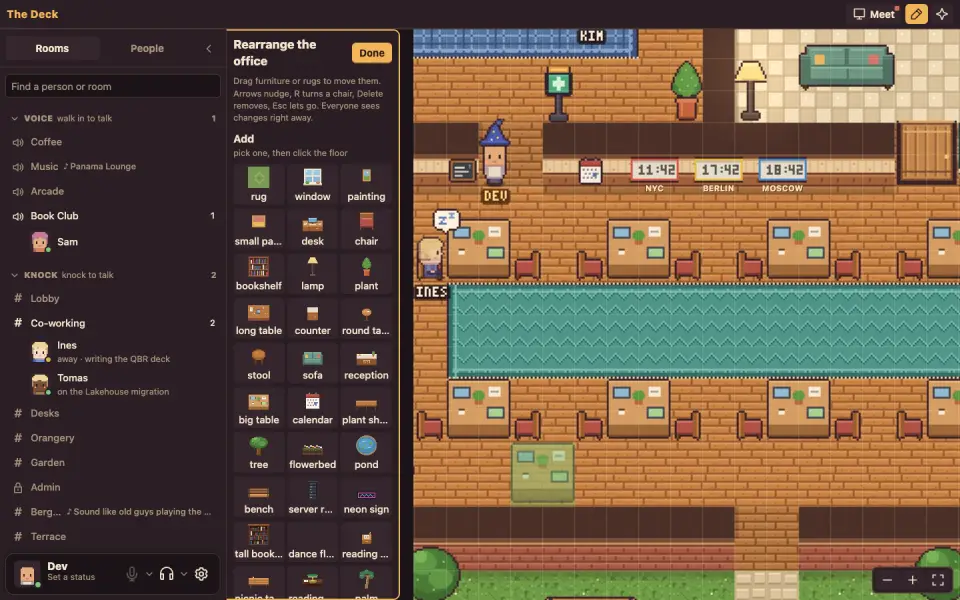
Edit mode
Edit mode
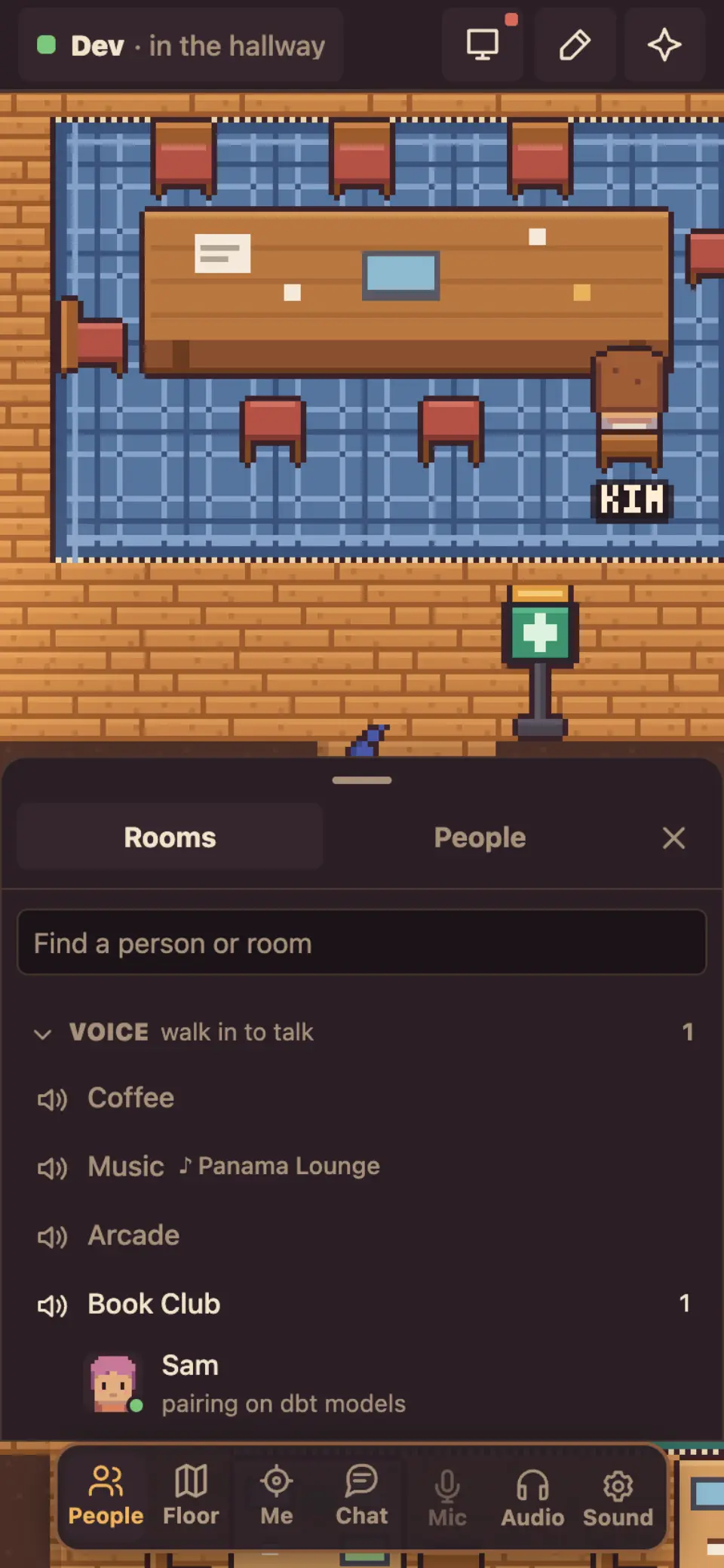
Phone
Phone

How calls work

  • Voice is peer-to-peer WebRTC: audio goes straight between browsers, the server only passes signaling
  • A knock call holds up to 5 people, an open-voice room up to 12 speakers
  • A TURN relay on the box covers phones and strict networks. Calls live in memory, so a restart drops them

Calls in V2: a new protocol*

  • An SFU replaces the mesh: each browser sends one stream and receives one mix, so rooms are no longer capped at 12 and phones stop burning battery
  • Video and screen share ride the same path as audio
  • Calls survive a server restart, and you can rejoin mid-conversation with a 60-second AI recap of what you missed

* on the roadmap, not in the demo

NOTICE BOARD
WHAT COMES NEXT

COMING SOON
RELEASE

Monday, Oct 26

  • Today's demo is the hackathon built
  • The release adds even more pixel art, toys, a 7/11 store and more
AI

Meeting transcription (incl. Russian)

  • Meeting summary into SecondStack
  • Meeting summary into the Outline wiki
  • Late to a room call? A 60-second AI recap of what was said before you walked in
CALLS

SFU instead of TURN

  • Bigger calls, less traffic (LiveKit, possibly)
  • Video calls
JIRA

Jira integration

  • Time tracking like Toggl, but it pulls your issues from Jira
  • Stacks of paper on your desk show how many tasks you have
FOCUS

Focus rooms with timers

  • Shared Pomodoro: walk in, the room counts down together, a bell marks the break
PARTY

Birthdays & anniversaries

  • Decorations at the person's desk, a tiny party in the kitchen area
BUILD

Custom rooms and floors

  • Teams build their own corner: edit mode already moves furniture, walls and rooms are next
MAC

Low-power Mac app

  • Tucked in the menu bar it puts the page to sleep and keeps a tiny native connection: knocks, heads-ups and messages arrive as macOS notifications, no battery spent
APPS

More platforms

  • iOS / Android apps, Windows / Linux tray app (not confirmed)

EXIT
TRY IT

  • Today: the demo, type your email to sign in (no confirmation)
  • Open it on a phone, in a browser, or keep it in the Mac menu bar

Where

Demo, sign in with any email (PIN: 123456):
voffice-demo.pub.t1a.cloud
Code and docs:
github.com/ibaranov91/t1a-virtual-office

Mac app: one install command, under "Mac app" in the top bar of the web UI.
QR code: this page
the-deck.t1a.site
IVAN BARANOFFANDRII BUTKOVARYA
THE DECK · T1A · 2026